month or week, your call.
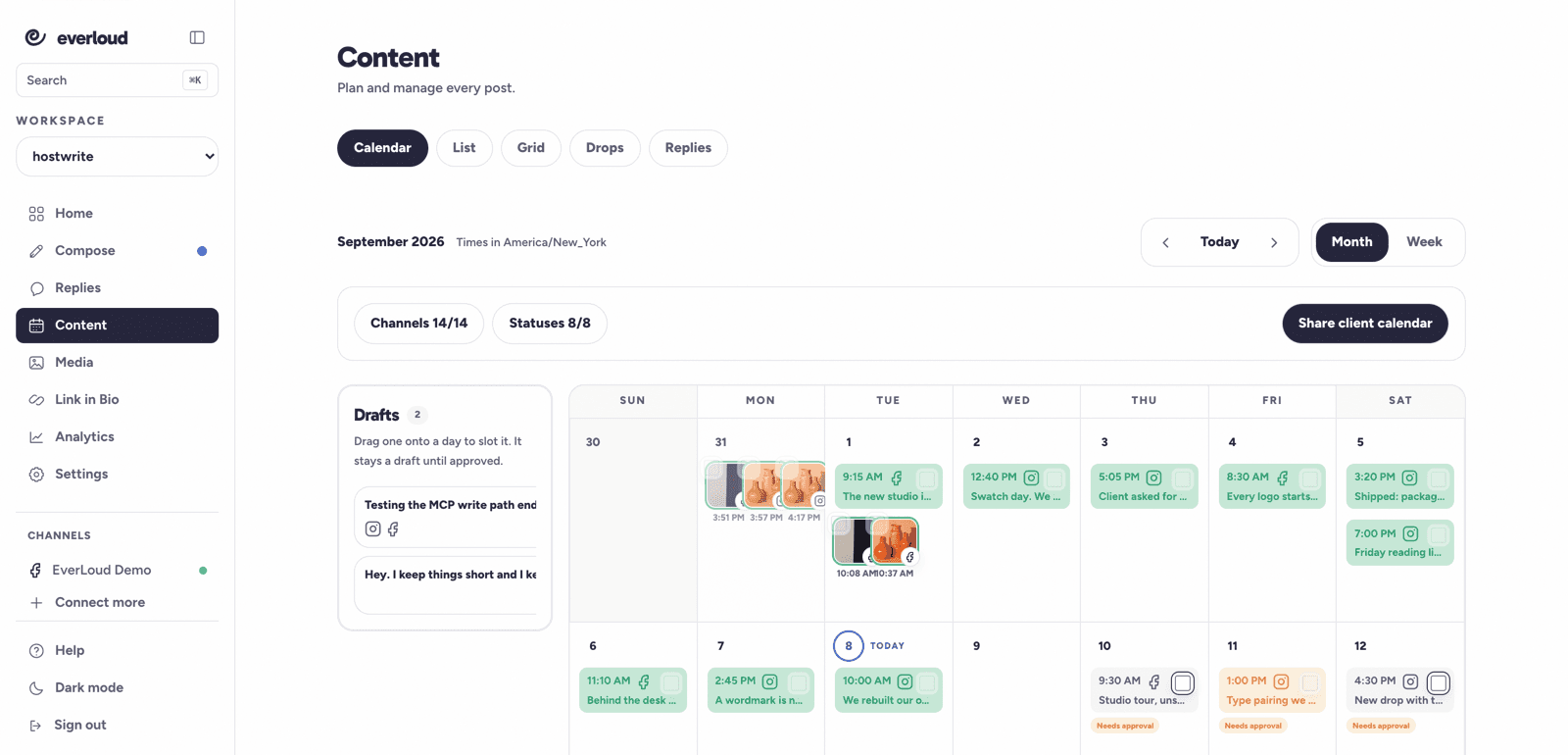
Switch between month and week views. Keep unscheduled work waiting in the drafts rail.
Plan in month or week view, then move the work without losing the approval gate.
what it replaces.rebuilding the schedule whenever a post moves.
Switch between month and week views. Keep unscheduled work waiting in the drafts rail.
Drag a post to reschedule it. Hard approvals still decide what can publish.
Share a client calendar view so clients can see the schedule.
Leave unscheduled work in the drafts rail until it has a place on the calendar.
Switch views, then drag a post when its date needs to change.
Share the client calendar when others need the schedule. A hard approval still gates publishing.