samplekitchen
Sample Kitchen
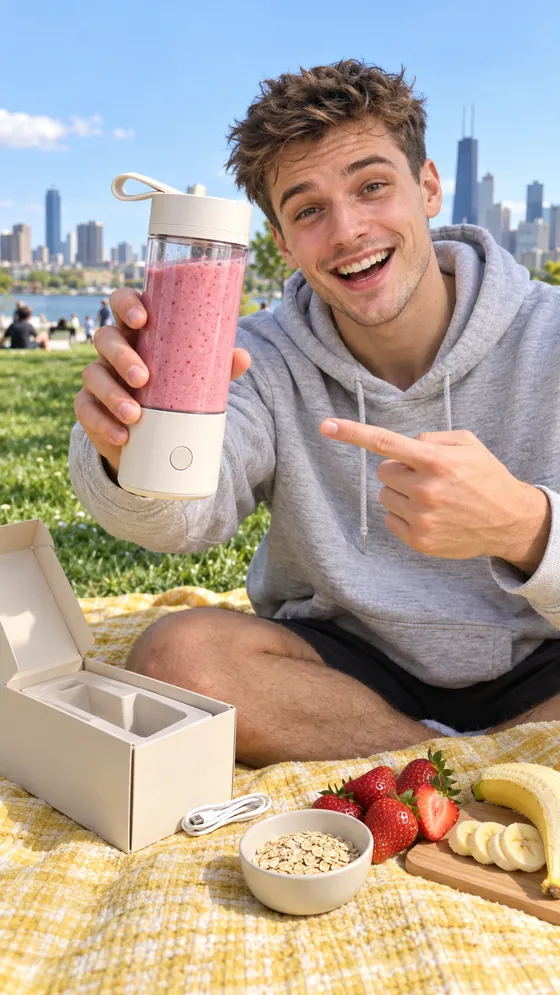
samplekitchenPicnic smoothie test: does a blender this small handle frozen strawberries?
samplekitchenWhat went in: a cup of frozen strawberries, one banana, a spoon of oats and a splash of oat milk.1m

Write the follow-up with the post. When the post goes live, EverLoud adds your first comment under it, on channels that allow one.

samplekitchenPicnic smoothie test: does a blender this small handle frozen strawberries?
samplekitchenWhat went in: a cup of frozen strawberries, one banana, a spoon of oats and a splash of oat milk.1m
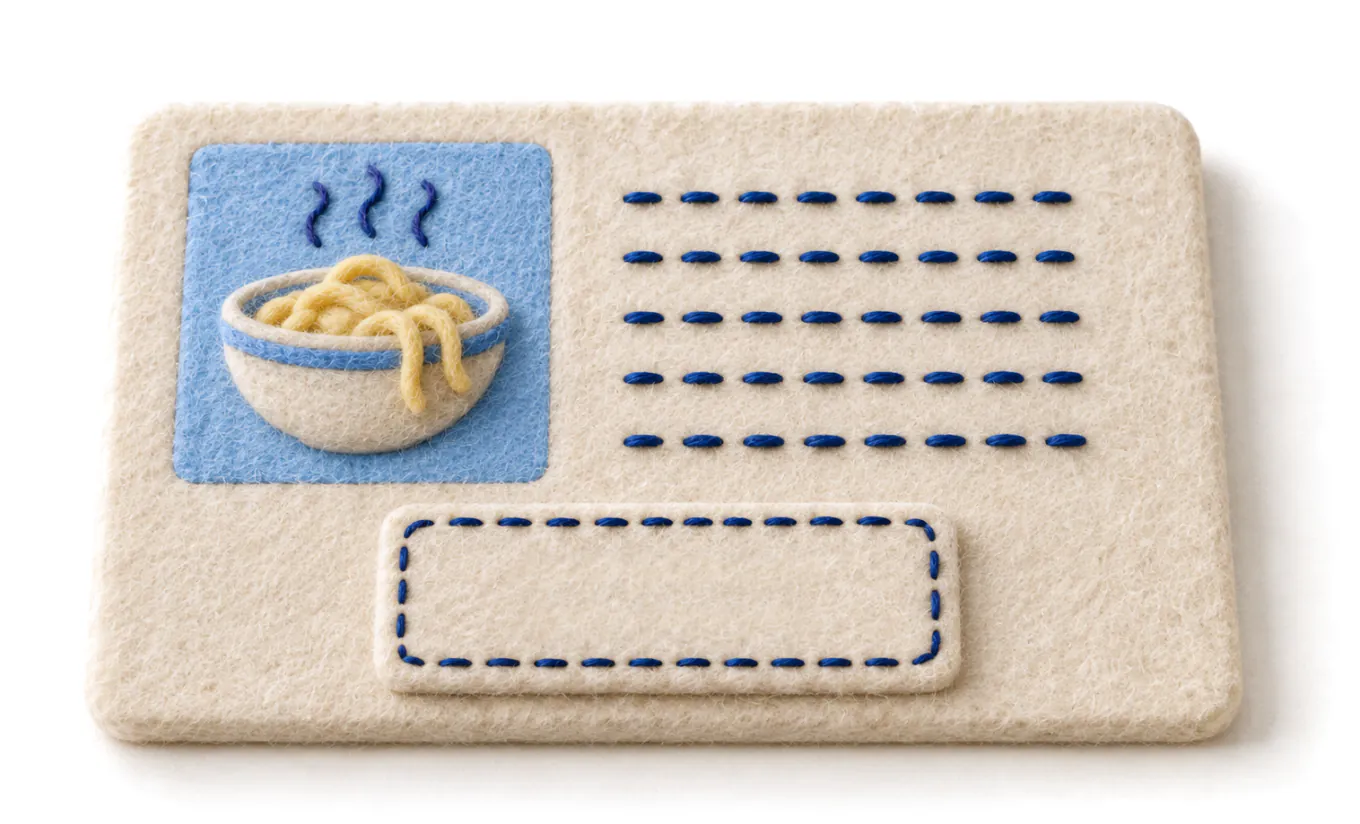
One field in the composer, up to 2,000 characters. Links, hashtags, a thank you: whatever belongs under the post, not in it.
It goes up right after the post does, in the same publish, so there is nothing to remember later.
You post a recipe to Instagram. The ingredients list goes in the first comment, where it stays readable and does not clutter the caption.
It works on Instagram, Facebook, LinkedIn and YouTube, and the first comment field only appears when one of those is selected.

Free to start with two channels. No card needed.
or try the demo, no signup
No card. No contract. Take everything with you.